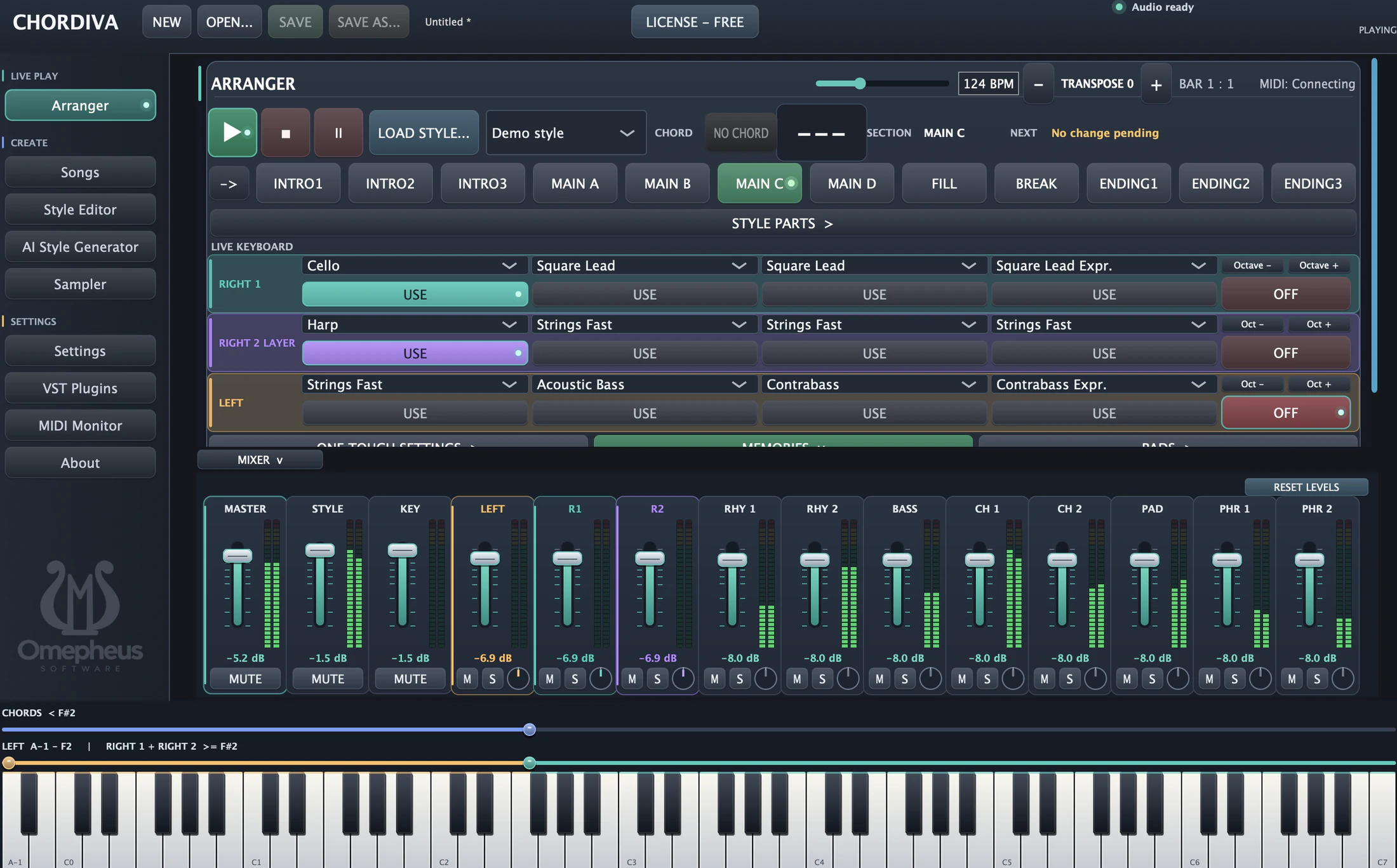
Start with chords
Create or open a song and work through its chord progression.
Chordiva helps you work with chord progressions, musical styles and arranger playback in one desktop workspace.
A permanent Free Demo. No trial expiration.

Build a progression, choose a musical style and use arranger playback to explore the shape of a song.
Create or open a song and work through its chord progression.
Use accompaniment styles to hear the progression in a musical context.
Control playback and musical sections while you develop the song.
Chordiva brings song, chords and playback together so you can spend more time listening and less time navigating.
Explore features →